Indie game creator
A developer has a concept image for a prop or character but needs a rough object to test scale, camera angles, and scene composition.
The model becomes a fast blockout that can guide later sculpting and game-asset work.
Definition guide
What is image to 3d model ai free? It is an AI-assisted process that studies a 2D picture and predicts the shape, depth, surfaces, and appearance of a three-dimensional object. The result is a starting model for viewing, editing, presenting, or refining in a 3D workflow.
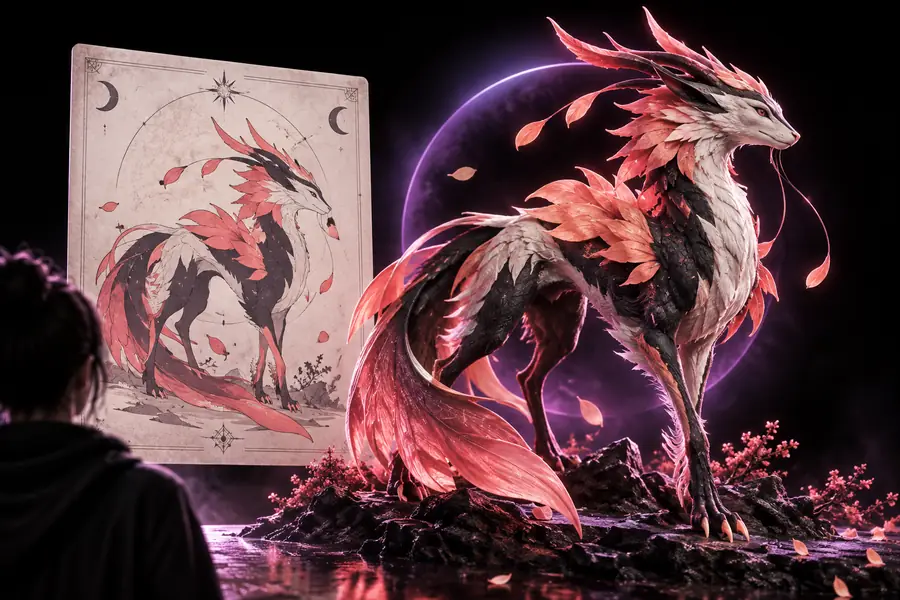
The process turns visual clues into geometry through a sequence of interpretation, reconstruction, and cleanup. The quality of the source image strongly affects the quality of the result.
The model identifies the main subject, separates it from the background, and estimates visible edges, proportions, materials, and likely depth. A clear silhouette gives the system more dependable evidence.
AI fills in surfaces that the camera cannot see by comparing visual patterns with learned examples. This is an informed reconstruction, not a direct measurement of every hidden side.
The predicted shape is organized into a 3D asset with surfaces and visual detail. You can then inspect it, make corrections, or use it as a base for a larger design process.
An image to 3d model ai workflow is useful because it compresses an early modeling task into a fast visual experiment. It is not a guarantee that every hidden surface, dimension, or production requirement will be correct.
| AI reconstruction | Traditional 3D modeling | |
|---|---|---|
| Starting material | One or more reference images | Measurements, sketches, scans, or manual references |
| Main strength | Rapid shape exploration from visual input | Controlled construction with explicit design decisions |
| Hidden surfaces | Estimated from context and learned patterns | Defined directly by the artist or engineer |
| Dimensional accuracy | Approximate unless checked against references | Can be built to specified measurements |
| Surface detail | May preserve visible color and texture cues | Can be authored deliberately for the final use |
| Best early use | Concepts, previews, mockups, and experimentation | Final assets requiring exact topology or fit |
| Human review | Needed to inspect errors and refine the result | Needed throughout the modeling process |
Different teams use image to 3d model ai for different reasons. Some need a quick visual approximation, while others use the generated object as reference material for a more deliberate production asset.
A developer has a concept image for a prop or character but needs a rough object to test scale, camera angles, and scene composition.
The model becomes a fast blockout that can guide later sculpting and game-asset work.
A small studio wants to turn a product photograph into a spatial preview before investing time in a polished asset.
The team can inspect the object from new viewpoints and identify which areas need better source imagery.
A maker has a reference picture for a decorative object and wants a starting form rather than modeling every curve from scratch.
The generated shape can support experimentation, provided dimensions and printability are checked before fabrication.
A learner wants to demonstrate how a flat visual can be interpreted as depth, volume, and surface structure.
The result provides a concrete teaching aid for discussing perspective, occlusion, and 3D design decisions.
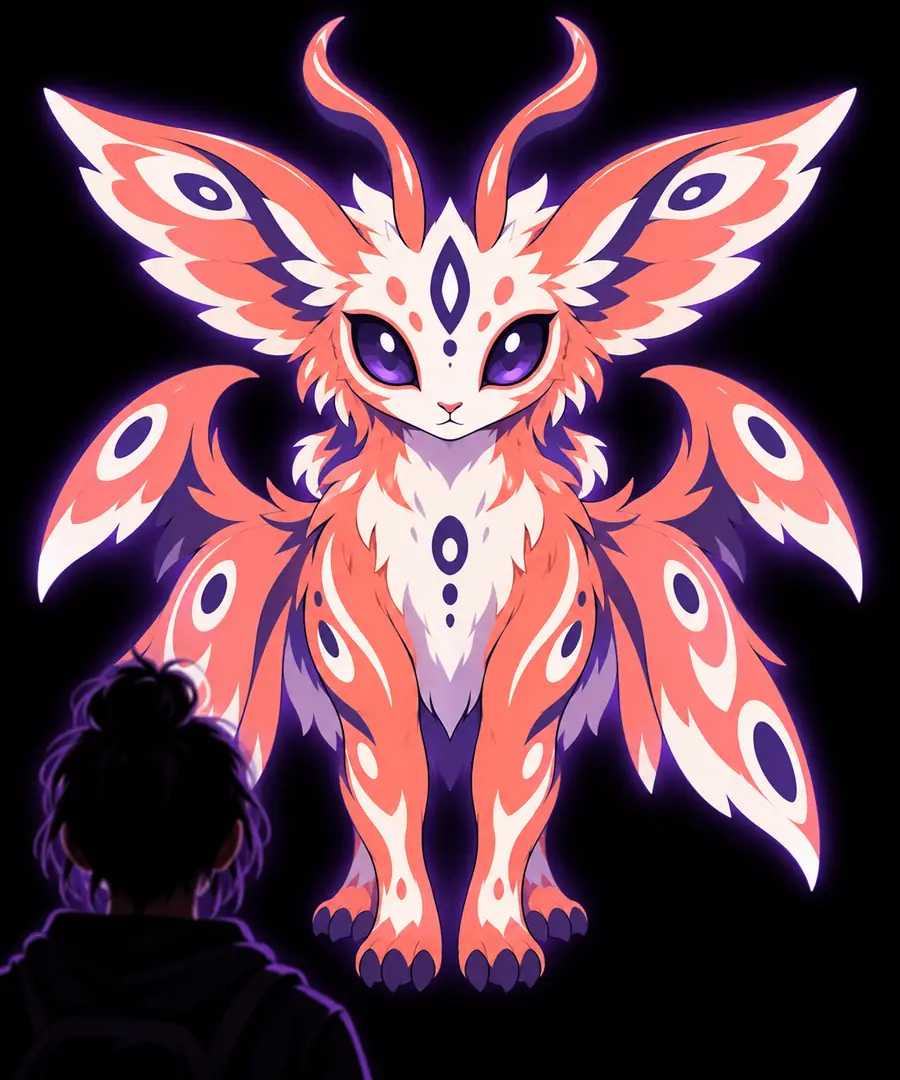
The output is an informed reconstruction, not a perfect scan.
2D reference3D interpretationUnderstanding image to 3d model ai makes it easier to choose the right expectations: use a clean image for exploration, inspect the hidden areas carefully, and refine the result when accuracy matters. Start with a visual reference and see what can be built from it.
These answers address the basic questions people ask when they first encounter an AI image-to-3D workflow.
It is a way to use artificial intelligence to interpret a 2D image and create an estimated three-dimensional object. The free version generally refers to trying the workflow without an upfront charge, while available limits and export options can vary by tool.
The system analyzes visible edges, shading, perspective, and familiar object patterns to estimate depth and hidden surfaces. It then organizes those predictions into a 3D shape that can be viewed and refined.
Usually, it creates an approximation rather than an exact replica. A single image does not reveal every side or provide reliable measurements, so accurate reconstruction requires review, additional references, or manual correction.
A clear image with one main subject, even lighting, visible edges, and limited background clutter is usually easier to interpret. Multiple viewpoints can help when the object has complex sides or details hidden from one angle.
It is useful for designers, game creators, educators, product teams, and hobbyists who need a fast concept or starting point. Anyone producing a final asset should still check geometry, scale, topology, and surface quality for the intended use.